
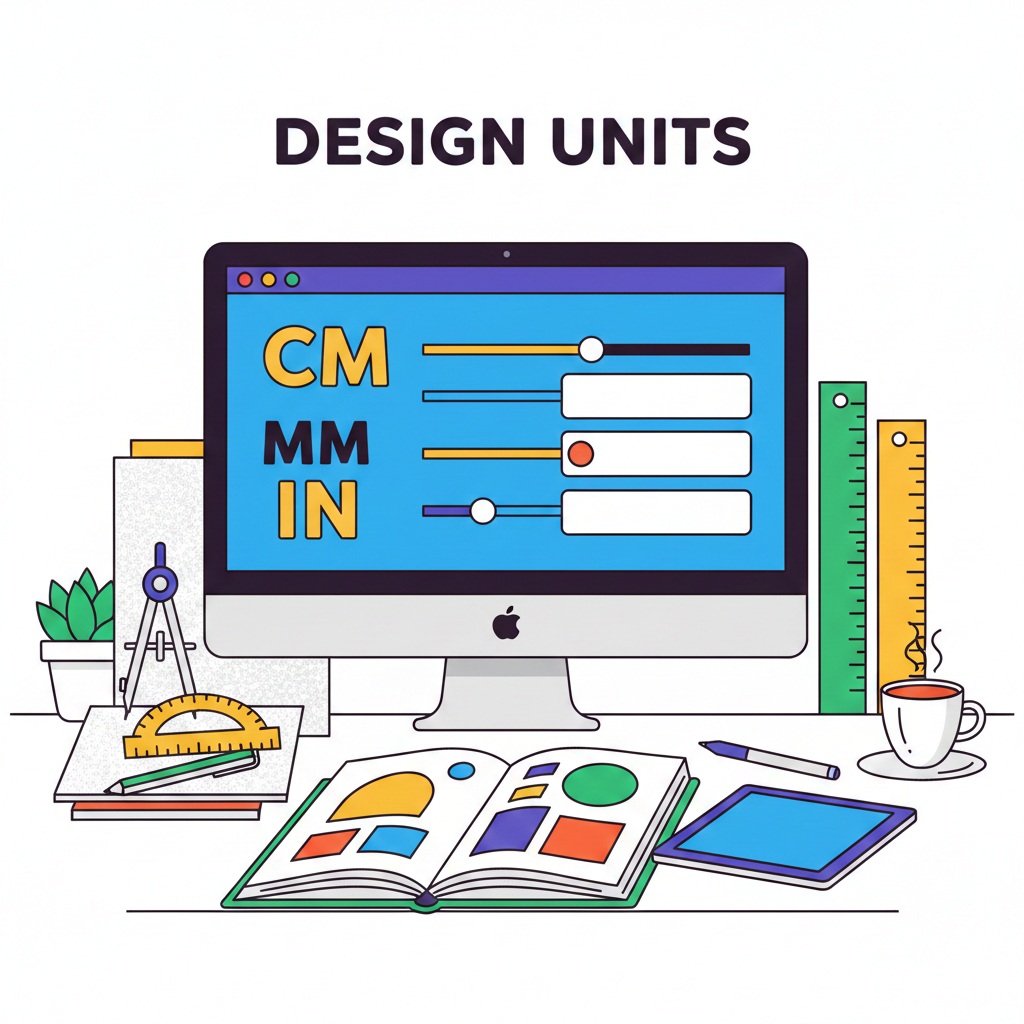
The Ultimate Guide to Converting CM, MM, and Inches for Web and Print
Introduction
Accurate measurement is crucial in both web design and print projects. Using the wrong unit can lead to misaligned layouts, blurry images, or inconsistent dimensions. Designers often work with centimeters (CM), millimeters (MM), and inches (IN), but converting them manually can be tedious and error-prone.
With Tools Mate, you can instantly convert CM, MM, and IN values for web or print projects, saving time and ensuring precision.
Understanding CM, MM, and Inches
- Centimeters (CM): Commonly used in print layouts and design documentation.
- Millimeters (MM): Smaller unit for high-precision measurements in print or product design.
- Inches (IN): Widely used in North America for print dimensions and screen sizes.
Knowing how to convert between these units is essential for maintaining design accuracy across digital and physical media.
How Tools Mate Helps
Tools Mate provides a simple online converter for CM, MM, and IN:
- Convert values quickly without manual calculations.
- Input one unit (e.g., CM) and get the equivalent in MM or IN instantly.
- Ideal for designers, developers, and content creators.
Try our CM to IN converter and streamline your workflow today.
Step-by-Step Example
Suppose you have a design element that is 10 cm wide:
- Open the Tools Mate CM to IN converter.
- Enter
10 CMin the input field. - The tool instantly shows
3.937 IN—perfect for precise web or print application.
You can also convert to MM in seconds, avoiding manual mistakes.
Benefits of Accurate Unit Conversion
- Precision: Avoid pixelation or layout errors in print and web projects.
- Time-saving: Convert multiple measurements in seconds.
- Consistency: Maintain uniform dimensions across screens and printed materials.
For further guidance on measurement standards, check out W3Schools CSS units reference.
Conclusion & Call-to-Action
Whether you’re designing for print or web, accurate conversion between CM, MM, and IN is essential. Tools Mate simplifies this process, saving time and reducing errors.
✅ Start converting your measurements now: CM, MM, IN Converter


 English
  Indonesian
  Hindi
Hindi  Korean
  Portuguese
  Russian
  Vietnamese
  German
  Turkish
  French
  Spanish
  Thai
Thai  Japanese
  Arabic
  Chinese